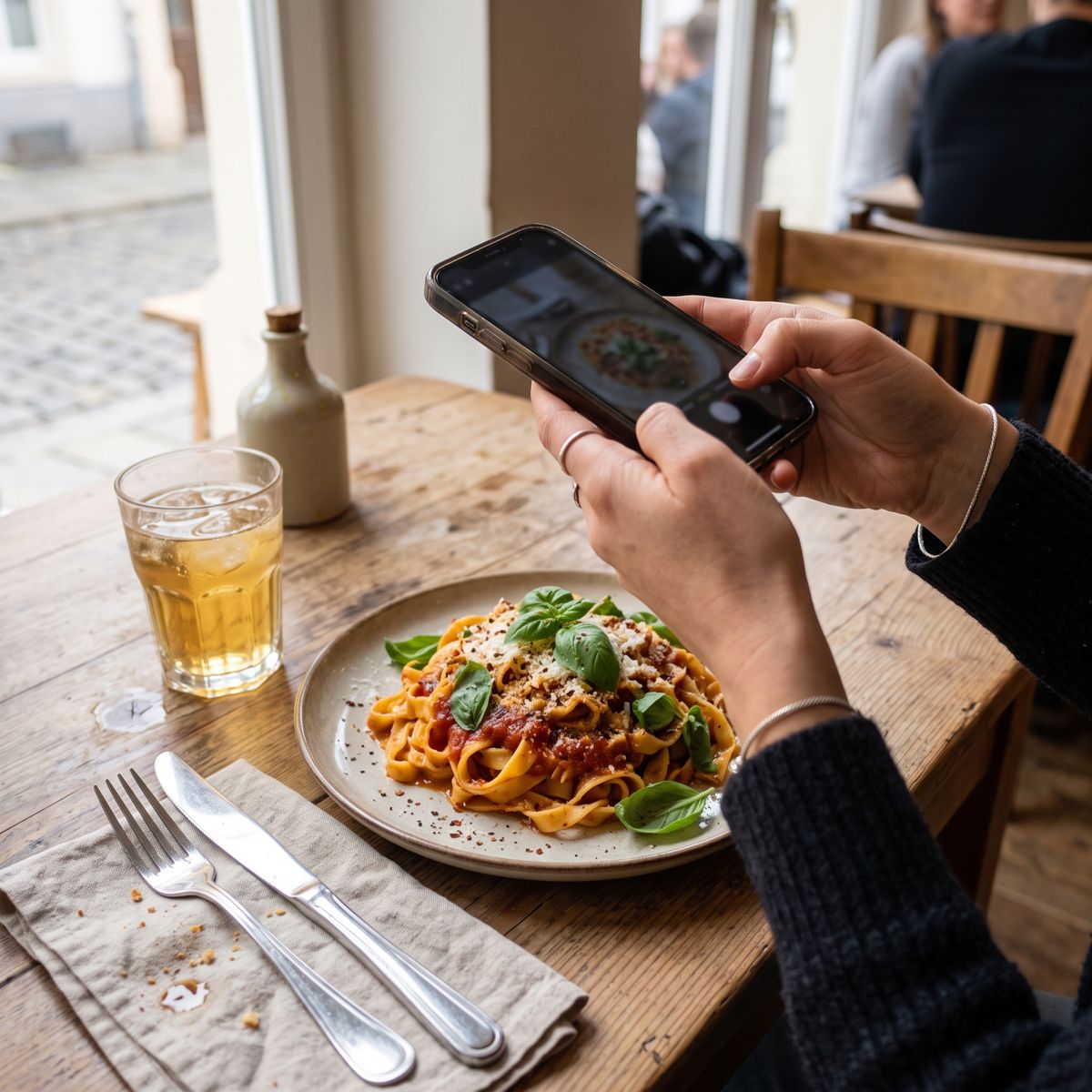
1. Take a photo
From slightly above, in good light, with the whole plate in the picture. That is all it takes.
Take a photo of your plate. berryl suggests what is on it, estimates the amounts and works out calories, protein and fiber. Before anything is logged, you take a quick look.
Tap an item to switch it off or on. The total updates right away. On this page the recognition is a fixed example. In the app, berryl recognizes your own photo.
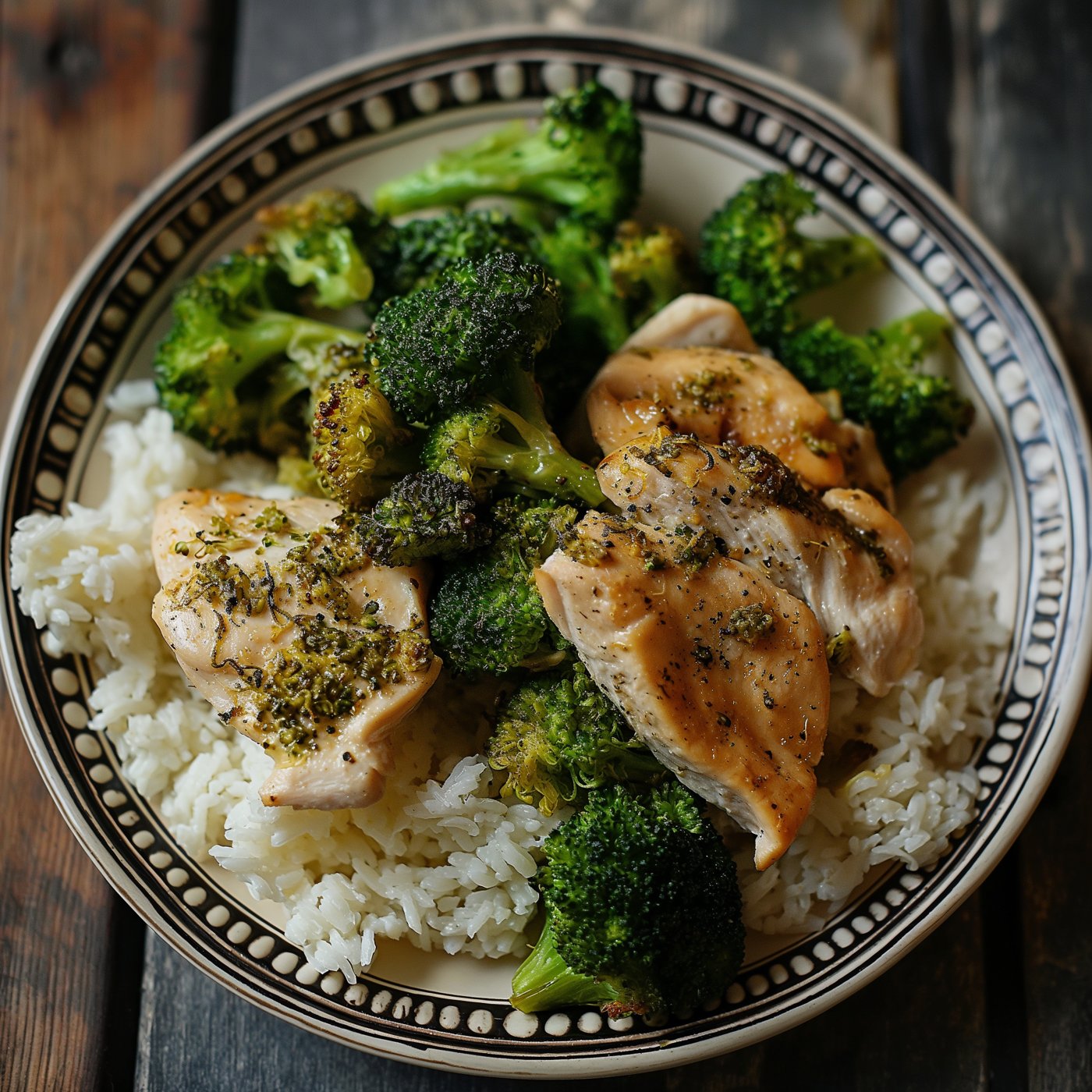 ✓Broccoli
✓Chicken breast
✓Rice
From slightly above, in good light, with the whole plate in the picture. That is all it takes.
berryl shows what it recognized, with an estimated amount. Remove anything wrong with a tap and change amounts just as quickly.
Calories, protein, fiber and micronutrients land in your day, together with your supplements.
To be honest: a photo is an estimate. Image recognition is often quite good at telling which foods are on the plate. The amount is harder. You cannot see how much oil was in the pan or how much rice is under the sauce.
That is why berryl never logs anything without asking. You see every item with its amount and can correct it. For everyday use that is usually enough: the point is whether you are roughly on target, not the last gram.
berryl shows energy in kcal, the unit shown as “Calories” on US nutrition labels. Labels in Australia and New Zealand also list kilojoules (kJ), and UK labels show both kJ and kcal. To convert: 1 kcal is about 4.2 kJ, so the example meal above with 477 kcal is about 2,000 kJ.
The photo is sent to Google Gemini for analysis. berryl does not store it, only the items you log. More in the privacy notice.
berryl recognizes the foods in the photo, estimates the amounts and calculates calories, protein and fiber, mostly with nutrition values from BLS 4.0. You check the result before it is logged.
Yes. Especially when you eat out and cannot weigh anything, a photo is quick. With sauces and fat, it is still an estimate.
Yes. Scan the barcode or take a photo of the pack, ideally the front, the barcode and the supplement facts panel. berryl reads the name and ingredients. You check the details and decide how much you take and when. More on the supplement tracker.
berryl launches on Android first, iPhone follows. Start free, no subscription needed.